Why everyone's talking about MCP (and why you should care)
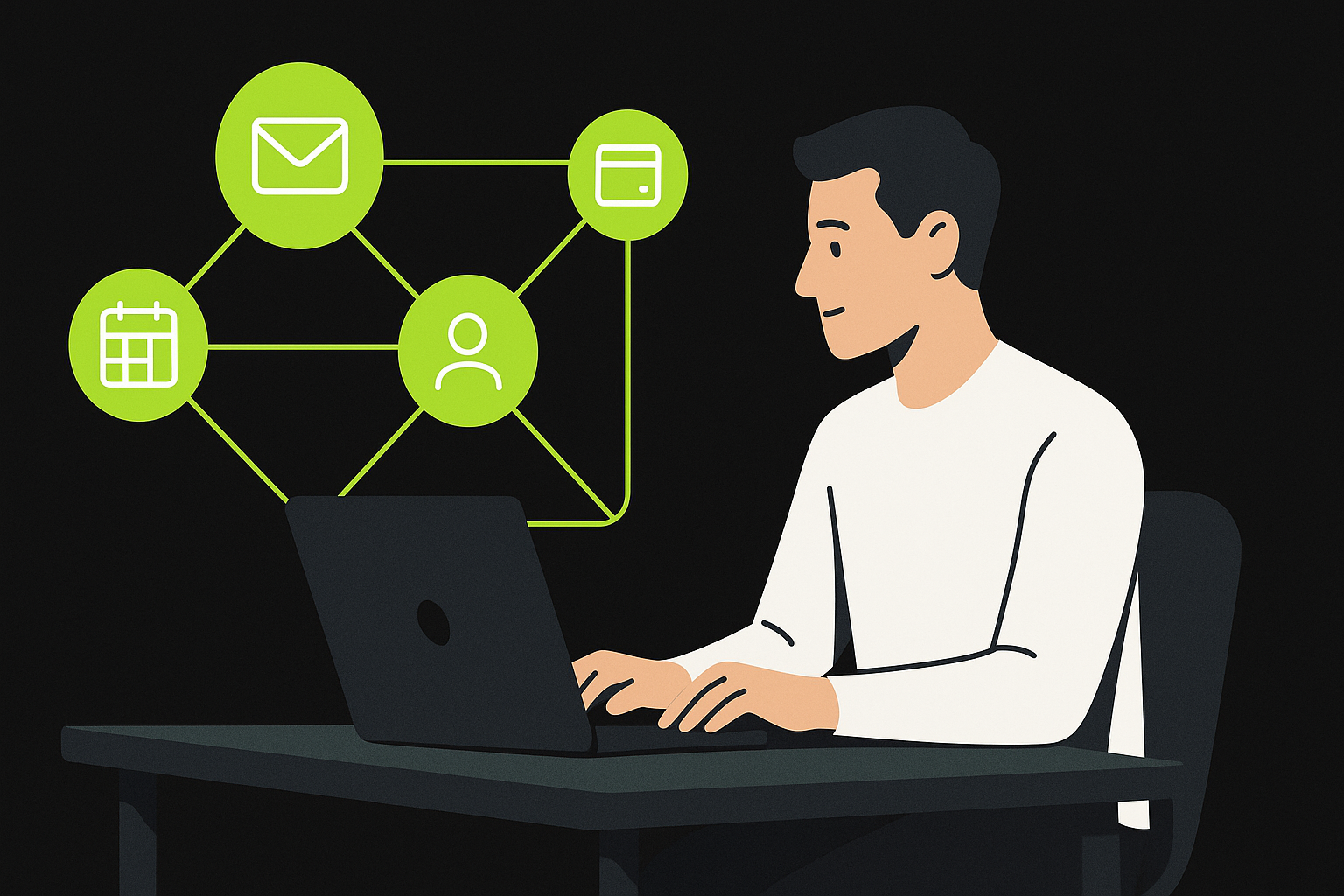
Solopreneurs don't have a time problem — we have a context switching problem.
You can have the smartest AI in the world, but if it can't securely interact with the tools you run your business on (email, calendar, docs, CRM, billing), it's basically a fancy brainstorming buddy.
That's why Model Context Protocol (MCP) is one of the biggest "agentic AI" trends heading into 2026: it's an open standard for connecting AI apps to external tools and data sources in a consistent way.
Instead of hacking together one-off integrations, MCP aims to make tool access repeatable, secure, and portable across AI clients.
Source: Anthropic's announcement of MCP (2024-11-25) explains MCP as an open standard for secure, two-way connections between data sources and AI tools. Introducing the Model Context Protocol
MCP in plain English
If you've used Zapier or n8n, you already understand the goal:
- Your apps don't naturally talk to each other.
- You use automation to connect them.
MCP applies that same idea to AI agents.
The simple analogy
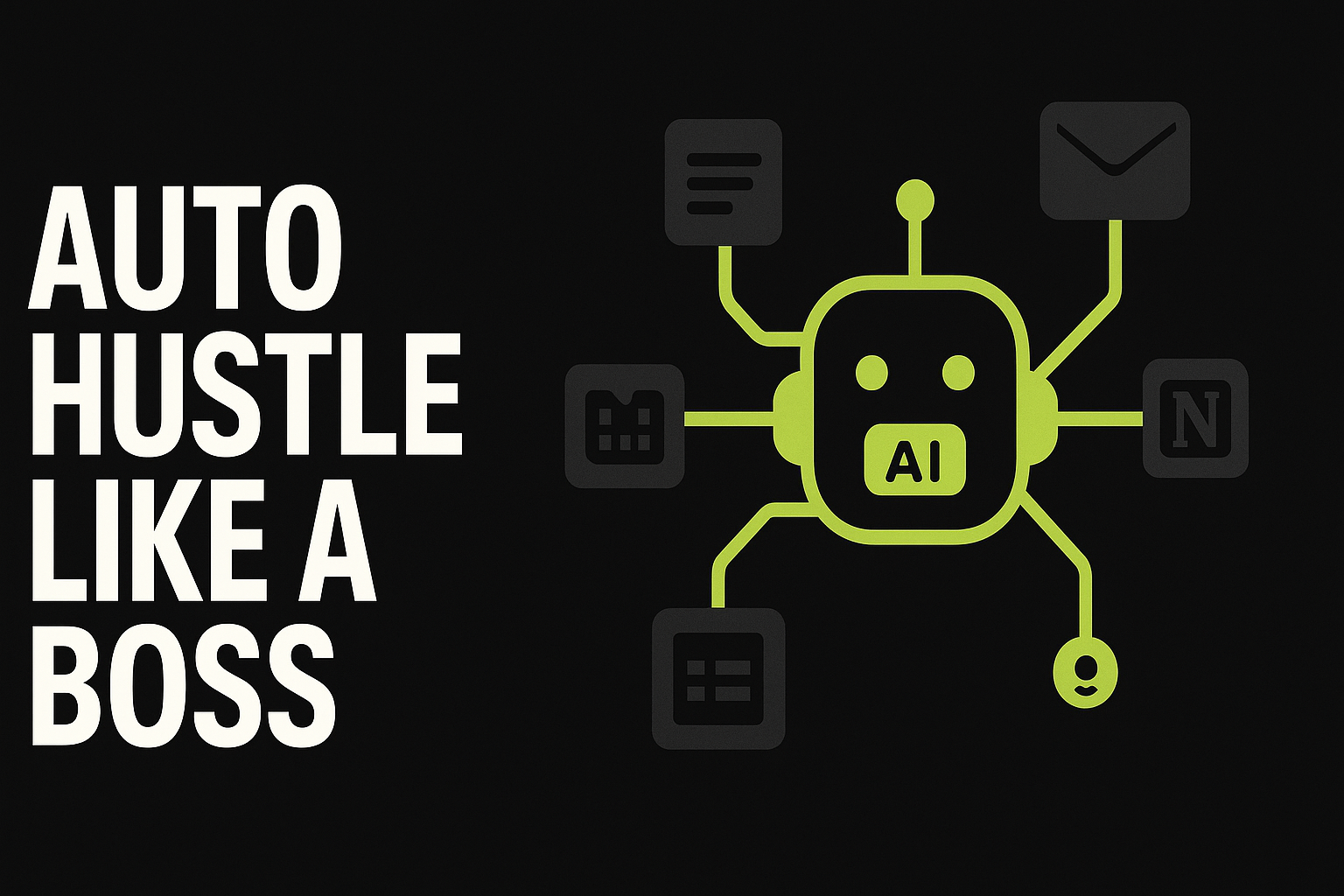
- Your AI (Claude/ChatGPT/etc.) is the "brain".
- Your business tools (Gmail, Google Sheets, Notion, Stripe, Calendly) are the "hands".
- MCP is the "nervous system" that lets the brain use the hands safely.
For a deeper definition and examples, see the official docs: Model Context Protocol documentation
Why MCP matters for solopreneurs (not just developers)
Most solopreneurs hit the same wall with agents:
- You prompt an agent.
- It gives a great plan.
- You still have to open 6 tabs and do all the work.
MCP pushes us toward the next level:
- Agents that can fetch context (your real data)
- Agents that can take actions (send, update, create, schedule)
- Agents that can run workflows (multi-step, conditional logic)
This is how you get from "AI content ideas" to "autopilot ops assistant".
The 'MCP stack' (no-code version)
You don't need to code your own MCP servers to benefit from the trend. The practical approach is:
1) An AI client / agent
Pick one that fits your workflow (writing, planning, analysis).
2) An automation layer
This is where you orchestrate triggers, routing, and actions.
- n8n (more flexible, self-hostable) — Official site: n8n
- Zapier (fastest to start, huge app library)
3) Your tools
Start with the "boring money" tools:
- Email (Gmail)
- Calendar (Google Calendar)
- Documents (Google Drive)
- Knowledge base (Notion)
- Payments (Stripe)
3 high-leverage MCP-style workflows you can build this week
These are designed to be simple, profitable, and low maintenance.
Workflow 1: Lead capture → personalised follow-up → CRM update
Goal: respond faster, book more calls, and stop leads slipping.
How it works:
- Trigger: new form submission (Typeform/Webflow form)
- Automation adds lead to your database (Notion/Airtable/Sheets)
- AI drafts a personalised email using the lead's inputs + your offer
- Automation sends it via Gmail
- Automation pings you in Slack with the lead summary + suggested next step
What to measure: reply rate, booked calls, time saved.
Workflow 2: Content engine → repurpose → schedule
Goal: turn one idea into a week of distribution.
How it works:
- Trigger: you drop a topic into a "Content Ideas" table
- AI outputs: a blog outline, a YouTube script hook + beats, and 5 short-form post angles
- Automation pushes drafts into your writing board and scheduling tool
Note: keep a human review step before publishing.
Workflow 3: Weekly 'CEO summary' report (sales + ops)
Goal: know what's happening without digging.
How it works:
- Trigger: every Friday 4pm
- Automation pulls: sales numbers (Stripe), content output (Notion/Trello), and audience metrics (where available)
- AI summarises: what moved, what didn't, top bottleneck, and 3 suggested actions for next week
- Automation emails the report to you
This is where agentic AI becomes decision support, not just task support.
Guardrails: how to use tool-connected agents safely
When you let an AI touch real systems, keep it tight:
- Least-privilege access: only grant access to the tools it needs
- Human-in-the-loop: approvals for sending emails, charging payments, deleting data
- Logging: keep an audit trail of actions
MCP is designed with safer, standardised connections in mind — but your setup still matters.
What to do next (your 30-minute action plan)
- Pick one workflow from above.
- List the tools involved.
- Map it as: Trigger → AI step → Action → Notification.
- Build it in Zapier or n8n.
- Run it for 7 days and track time saved + results.
Final thought
MCP is a big trend because it's pushing AI from "chat" into "do".
If you're building passive income with automation, the winners in 2026 won't be the people with the fanciest prompts — they'll be the people with the best connected systems.
Build the stack once, and let it run like a boss.
References
- Anthropic. Introducing the Model Context Protocol (2024-11-25). https://www.anthropic.com/news/model-context-protocol
- Model Context Protocol. Official documentation (accessed 2026-01-26). https://modelcontextprotocol.io/
- Model Context Protocol. Specification (2025-11-25). https://modelcontextprotocol.io/specification/2025-11-25