The traditional course creation process is brutal. Months of planning, scripting, filming, editing, platform setup, launch prep. Most people never finish their first course because the gap between "I should make a course" and "I have a course" is just too wide.
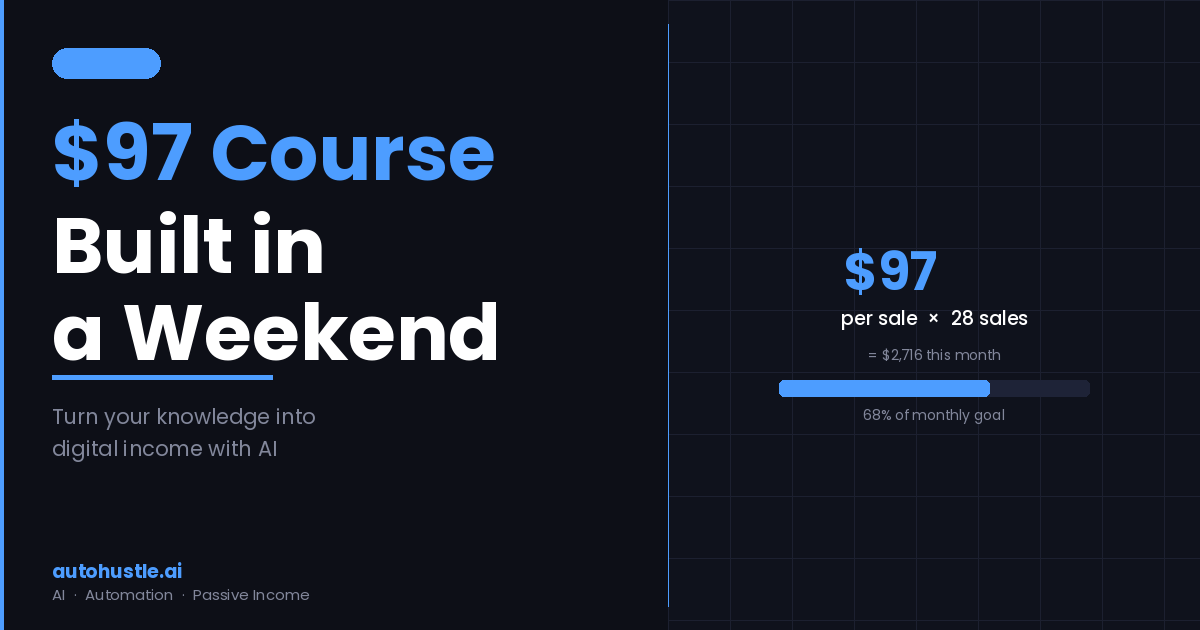
AI closes that gap. With the right tools and a focused weekend, you can go from idea to a $97 mini course with real paying customers. Here's exactly how.
Friday Evening: Pick the Right Topic (60 mins)
Mini courses work best when they solve one specific, urgent problem for a specific audience. Not "learn marketing" — that's a semester course. "How to write a cold email that actually gets a reply" — that's a mini course.
The criteria for a good mini course topic:
- You have genuine expertise or experience in this specific thing
- The outcome is clear and desirable ("after this course, you'll be able to X")
- The content can be covered meaningfully in 60-90 minutes of video
- Your target audience is willing to pay to learn it
Test your topic quickly: post a poll on LinkedIn or Twitter asking if people would pay $X to learn [specific skill]. Or ask in a relevant community. A few "yes, I'd buy that" responses are enough validation to proceed.
Saturday Morning: Build the Curriculum With AI (2-3 hours)
Open Claude or ChatGPT and prompt: "I'm creating a $97 mini course on [topic] for [audience]. Help me create a curriculum: an outline with 4-6 modules, each with 2-3 lessons, covering [core outcome]. Each lesson should be 8-12 minutes of video content."
Review the output. Reorder things that feel wrong. Add modules based on your own experience that the AI missed. Remove anything that's too basic or too advanced for your audience. You want a curriculum that could genuinely transform someone's ability in this area in 90 minutes of watching.
Saturday Afternoon: Create Your Content (4-5 hours)
For each lesson, use AI to generate a detailed script: "Write a 10-minute lesson script for lesson [X] on [topic]. The student already knows [assumption]. Cover these points: [your bullet points from the curriculum]. Tone: direct, practical, no padding."
Edit each script to add your voice, your specific examples, and your opinions. The AI draft is your scaffolding — you build the real lesson on top of it.
Recording options:
- Slides + voiceover is the fastest. Build slides in Canva or Google Slides. Record using Loom (free). Zero camera anxiety, looks professional, edits are easy.
- Talking head if you want to build personal connection. Record on your phone with good window lighting. Edit in CapCut (free).
- Fully AI-voiced if you don't want to appear on camera or voice at all. Write your scripts, generate audio with ElevenLabs, pair with screen recordings or slides.
Saturday Evening: Set Up Your Sales Page (2 hours)
Use Gumroad, Lemon Squeezy, or Podia — all handle course hosting, payment, and delivery. Your sales page needs:
- A headline that states the specific outcome ("Land Your First Freelance Client in 30 Days")
- 3-5 bullet points on what they'll learn
- Who it's for and who it's not for
- A price and a buy button
Use AI to draft the sales page copy: "Write a sales page for a $97 mini course on [topic] for [audience]. Focus on the outcome, not the features. Tone: direct and confident, not hype-y."
Sunday: Launch to Your Existing Audience
Your first buyers should come from people who already know you. Email your list. Post on LinkedIn. Share in communities where your audience hangs out. Direct message 10 people you know who would genuinely benefit from this course and tell them you just launched it.
Aim for 5 sales in the first 48 hours. That's $485 and proof that the product works. Then document the results, improve what needs improving, and set up a content strategy to drive ongoing traffic to the sales page.
One focused weekend. One product. Recurring income. That's the move.